🔥 Your Front-End for Automations and AI Workflows
Forms to AI Automations No Code Required
From simple surveys to complex AI workflows—scale to match your needs.
- * Embed forms in your website
- * Automate business processes with workflows
- * Build AI powered automations
- * Create a Content Management System
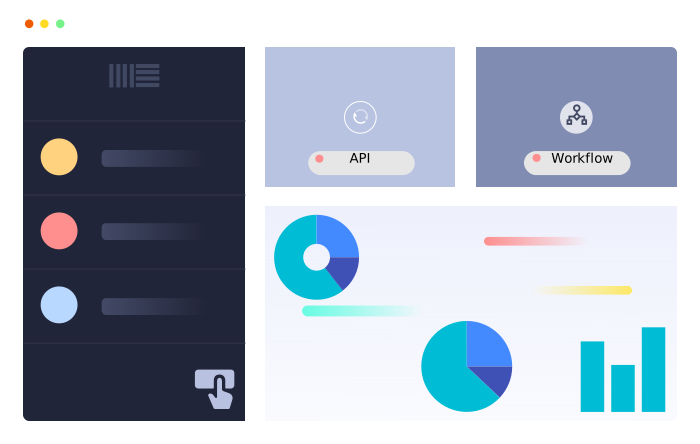
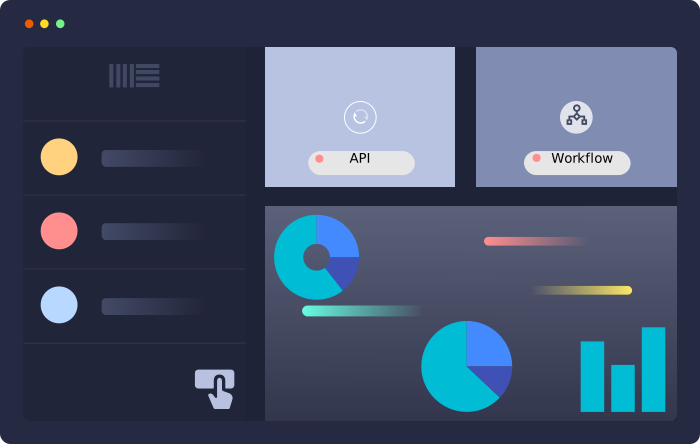
- * Visualize Submission Data with Graphical Reports





Give Your AI Assistant Access to Your Forms
Find. Analyze. Act.
A smarter alternative to RAG & context stuffingConnect AI assistants to your organization's private/public forms and workflows using the Model Context Protocol (MCP). Chat naturally with your AI assistant and let it find, analyze, and act on your data. Here are some examples:
- How much vacation does an employee with 4 years' service get?
- Please run a sentiment analysis on our recent customer feedback.
- What's Jack Smith's email address?
- Please log an expense of $30.25 for dinner yesterday.
Connect Web Data Forms with thousands of apps — automate everything
No code. No limits.
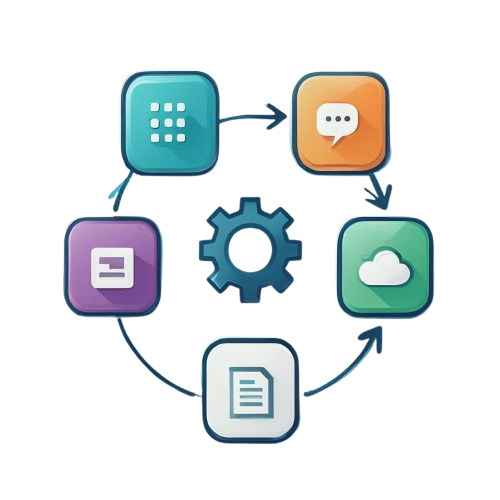
The Lifecycle of a Smarter Form
From the first click to a completed action—see how Web Data Forms powers your entire process, exactly as you need it.
Design Forms with our Simple No-Code Form Builder
Start instantly with predefined form templates or use our intuitive no-code form builder to drag and drop your way to a professional solution. From complex conditional logic and multi-column layouts to unique field validations, you can build high-performance forms tailored to your exact business needs—all with zero code.
Orchestrate Public/Private Forms & Permissions
Once designed, define exactly who interacts with your data. Toggle between public forms for the web and private forms restricted to authorized users. For internal processes, deploy single submission forms to establish a "single source of truth," ensuring every record in your database remains unique, secure, and accurate.
Brand & Embed Your Public Forms
Make every touchpoint an extension of your brand. Customize themes, upload your company logo, and set automated post-submission actions. Whether you share a direct link or use our form embed feature to place the tool within your own website, Web Data Forms ensures a seamless, professional experience for every respondent.
Capture High-Quality Form Submissions
As users engage with your forms, our engine works behind the scenes to enforce your custom validation rules. Every form submission is captured in real-time, providing you with clean, structured data that is instantly ready for internal review or external automation.
Navigate Data with Our Unique Submission Search
Stop digging through fragmented spreadsheets. Use our high-density list view to see your form submissions at a glance. Our powerful search feature allows you to filter by field values, dates, or workflow status, ensuring you can find the specific record you need in seconds.
Gain Insights via Built In Visual Form Reports
Turn raw data into visual intelligence instantly. Our visual reports are built directly into your dashboard—no manual setup required. View your form data through real-time bar, pie, and line charts to identify trends and make data-driven decisions without ever needing to export to Excel.
Close the Loop with Integrated Workflows
A form submission is the start of a conversation, not the end of a process. Use our integrated workflows to assign a Priority, update the Status, or tag a team member to take ownership of an entry. Manage leads or internal requests from "New" to "Resolved" within one unified interface.
Scale with AI-Powered Form Automations
Transform your data into an autonomous system. Use new form submissions or workflow changes as triggers for AI-powered apps via our third party partners. Build no-code systems that bridge the gap between your forms and thousands of other tools, allowing your business to scale with intelligent, hands-off automation.
Power Your Apps via Our API
Finally, extend your data to your entire tech stack. Use our robust API to connect your private form data to custom dashboards, mobile apps, or web projects. Web Data Forms acts as a professional headless CMS and database, providing the reliable backend your custom-built systems require.
Web Data Forms Core Features
Everything you need to build, automate, and scale your forms. Power your entire business process with our premium toolkit.
Unique Form Features
- Persistent Single-Submit Forms: Store and update a single "Source of Truth"—like company details or automation data—where every submission updates the existing data.
- Searchable Form Fields: Enable users to quickly filter and find options within large datasets inside your forms.
- Unique Value Validation: Prevent duplicate entries by restricting fields to unique inputs only.
- Private Internal Forms: Securely restrict access to forms for authorized internal users and team members.
- Export Data to CSV: Easily export form submissions to CSV for further analysis or reporting.
- Auto-Refresh for Kiosks: Automatically reset the form after each submission—perfect for high-traffic physical kiosks.

Multiple Users for All Accounts
Each account is multi-user. Allow full access or limit access to some forms.
Graphical Data Reports Built-in
Built-in graphical reports provide valuable insights into your users responses.
Fully Brandable Public Forms
Select a theme, upload your logo and style your form to match your brand.
AI, Third Party App & API Integration
Connect forms to AI, thousands of third party apps and consume our built-in API's.
Workflow Integration
Assign submissions to users, set status, priority etc. and implement workflows to manage submissions.
Drag & Drop, No Code Form Builder
Create complex forms with conditional logic without writing a single line of code.
Integrate Web Data Forms with AI and Thousands of Apps
Create AI automations, integrated workflows and entire applications. Web Data Forms connects with thousands of apps to help you create amazing automations. And best of all - no coding required!







Tutorials
Step by Step Instructions Web Data Forms Tutorials
Gain in-depth knowledge about any aspect of the Web Data Forms platform with help from our step-by-step tutorials.
Join Web Data Forms Today & Start Exploring the Incredible Possibilities
Sign up for free - no credit card required